Now Live AI Infrastructure Audit — Free 30-min review for SaaS & AI teams
Book Discovery Call
Home / Services / Cost Optimization
Cost Optimization · 02 of 04

Cut your AWS bill 20–40%
without touching production.

A line-by-line audit of your spend by senior engineers, not sales reps. We find oversized instances, forgotten resources, commitment gaps, and architecture choices that quietly inflate your bill — and hand you the exact remediation path.

0%
Median spend reduction across 22 audits
0x
Average ROI in year one on the audit fee
0 wk
From kickoff to written remediation plan
AWS Invoice · before / after
prod · 30-day cycle
EC
EC2 oversized m5.4xlarge fleet (32x)
14% avg CPU · right-sized to m5.xlarge
$8,420
EB
EBS legacy gp2 volumes (900+)
Migrated to gp3 · 20% cheaper
$2,180
NG
NAT Gateway data transfer waste
Replaced with VPC endpoints
$1,640
SS
Orphaned snapshots & AMIs
Purged · 6 months untouched
$960
RI
Reserved Instance coverage activated
1yr no-upfront on baseline compute
−$3,200
Before
$42,180
After
$25,780
Spend reduced for YC-backed startups, Series A–C SaaS, and AI teams worldwide
Where The Money Leaks

Most AWS waste is a systems problem,
not a billing problem.

The invoice is the symptom. The real cost shows up in oversized infrastructure, forgotten resources, and architecture decisions that quietly keep the monthly run rate higher than it needs to be. Here are the five patterns we find in nearly every audit:

$$$$$

Oversized instances running at < 20% utilization

EC2 and RDS instances picked at launch and never revisited. Often 2–4 sizes larger than the workload needs.

15–25% typical recovery
$$$$$

Data transfer through NAT Gateways

The hidden line item on every bill. Cross-AZ data flow and outbound transfer that should route through VPC endpoints instead.

8–15% typical recovery
$$$$$

Forgotten services nobody owns

Old Redshift clusters. Unused load balancers. Test environments that never got torn down. The “I’ll deal with it later” pile.

5–12% typical recovery
$$$$$

Architecture choices locked in early

Database sizing, storage class, load balancer type. Cost decisions made at launch that nobody revisited as scale changed.

10–20% typical recovery
$$$$$

Reserved Instance & Savings Plan gaps

On-demand pricing on baseline workloads that should be on a 1- or 3-year commitment. Or the inverse: over-committed and stuck with idle capacity.

10–25% typical recovery
Three Ways To Tackle This

DIY, FinOps tools, or engineers who’ll do it.

Most teams try one of the first two before calling us. Here’s the honest comparison — including where DIY and tools genuinely work.

Option A

Your DevOps team does it

$0 fee · engineer time cost
  • Competes with product roadmap, gets de-prioritized
  • Takes 3–6 months to build the muscle
  • Eventually finds the easy wins
  • Misses the architectural savings (the big ones)
  • One-time effort — drift returns in 6 months
Hidden cost: ~$60k in engineer time spread over 6 months
Option B

FinOps tools (Vantage / CloudHealth / Datadog)

$500–$3k/mo · subscription
  • Beautiful dashboards showing where money goes
  • Anomaly alerts when costs spike
  • Surface waste suggestions
  • Won’t write the Terraform to fix it
  • Won’t sequence the rollback-safe rollout
Tools surface data. They don’t decide what’s safe to change.
Option C

Engineers who actually do it

$8k+ fixed audit · 2–6 weeks
  • Senior AWS architects, not accountants
  • Architectural savings tools never find
  • Terraform / CLI for every change we recommend
  • Rollout plan that protects production
  • Audit fee recouped in month one, on average
Net cost: negative within 30 days for the typical client
Our Bias

The difference is not reporting.
It’s implementation quality.

A surprising number of cost assessments end with a 40-page spreadsheet and no engineering follow-through. The gap isn’t visibility — it’s turning spend signals into safe infrastructure changes.

How we work

Optimization that survives engineering scrutiny.

We don’t generate findings the team will reject because they “feel risky.” Every recommendation comes with the technical reasoning, the rollback path, and the exact Terraform diff. The team reads our report and ships it — they don’t have to re-justify it internally.
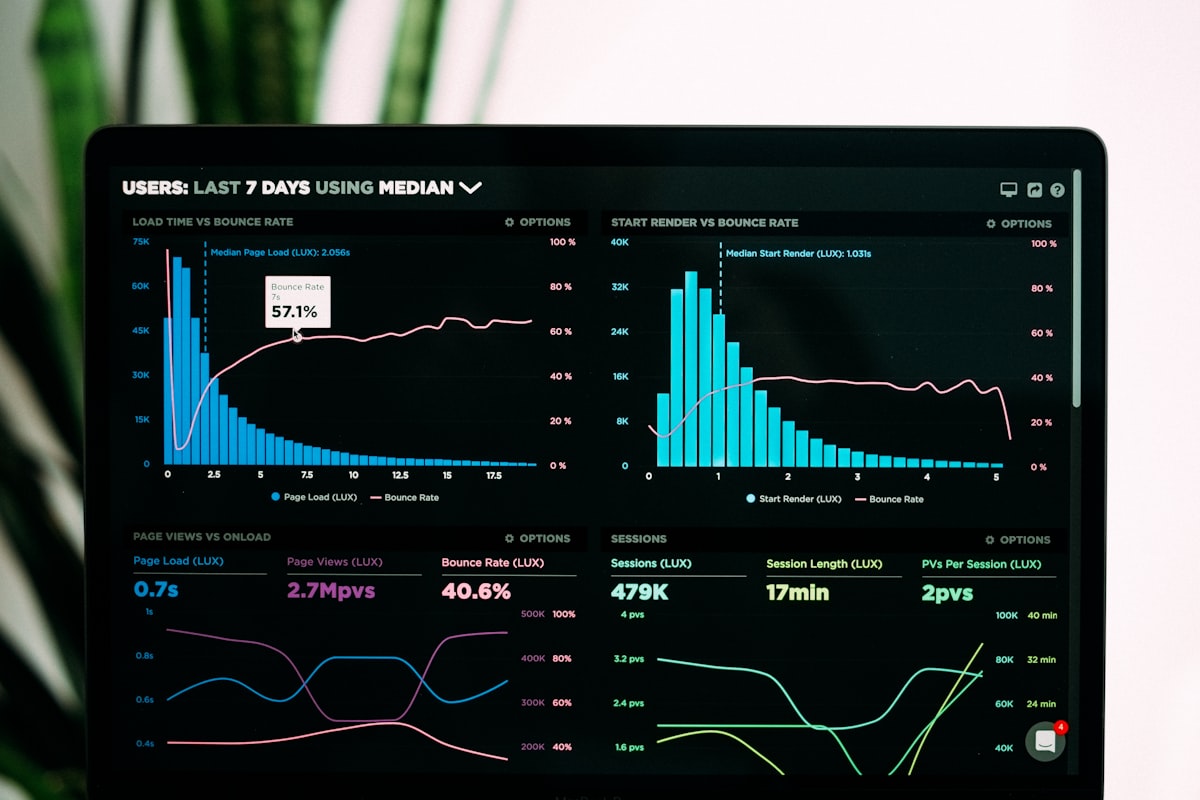
AWS ArchitectsTerraform diffsCLI playbooksRollback pathsArchitecture-aware
Financial analysis charts on screen
avg 35% reduction

Engineers, not accountants

Every audit is led by a senior AWS architect who’s actually shipped multi-account production environments. We understand why a workload runs the way it does before we recommend changing it.

AWS-certified10+ yrsSenior-only

Actionable remediation steps

Each finding ships with the affected resources (EC2 instance IDs, EBS volumes), step-by-step instructions, CLI commands, and Terraform module changes. Your team executes — they don’t research.

CLI commandsTF diffsResource IDs

20–40% hard savings

We target high-impact architectural optimizations that tools miss. Median client across our last 22 audits saw a 35% monthly spend reduction within 60 days — without any production performance impact.

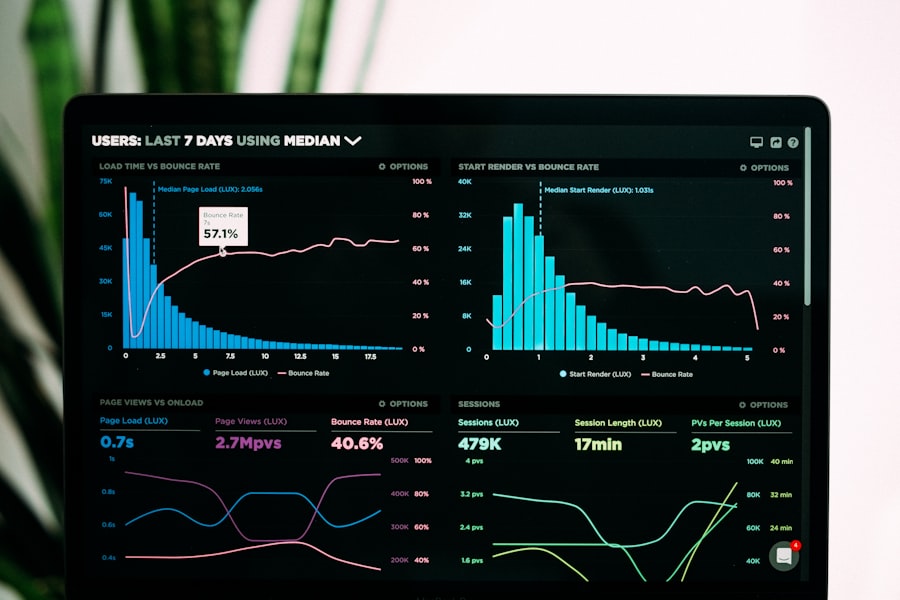
Median 35%22 auditsNo perf impact
What We Typically Find

The savings, broken down by category.

Median savings percentage across our last 22 audits, by remediation category. Yours will vary — but the shape is consistent.

EC2 & RDS right-sizing
Match instance size to actual CPU/RAM
Largest single line item
15–25%
RI & Savings Plan coverage
Commit baseline compute, not peaks
Compounds month over month
10–25%
Data transfer & NAT Gateway
VPC endpoints, AZ routing fixes
Hidden until reviewed
8–15%
EBS & S3 storage
gp2 → gp3, lifecycle policies
Quick win in first week
5–12%
Orphaned & idle resources
Snapshots, ELBs, unused services
Almost always present
5–10%
Architecture & design choices
ELB types, DB sizing, region picks
Biggest individual wins
10–20%
Recent Engagement

One client. From $5.2k/mo to $1.6k/mo in three weeks.

A recent audit that ran 3 weeks end-to-end. Account had grown organically for 4 years with no cleanup cycle. SLA was maintained at 100% throughout the migration.

Service breakdown
EC2 & RDS · before / after
−67%
EC2 RDS ELB EBS S3
Fig 1.1 · EC2 and RDS dropped 67% after right-sizing. EBS went up slightly on gp3 migration but net storage cost fell 20%.
Monthly trend
Last 6 months · total spend
−$3.6k/mo
remediation
Fig 1.2 · Sharp decline starting week 3 marks the deployment of remediation. Run rate stabilized within 2 months.
Aggregate spend
$5.2k/mo → $1.6k/mo
$43k/yr saved
Fig 1.3 · Monthly run rate from $5,200 down to $1,600 over 8 weeks while maintaining 100% SLA.
Severity
What changed
Crit
19 redundant Classic Load Balancers consolidated
Consolidated to a single ALB with host-based routing. Eliminated 95% of ELB cost.
−$1,180/mo recovered
High
Resource overprovisioning (< 20% utilization)
Right-sized 9 EC2 instances and 3 RDS databases to match actual workload demand.
−$1,420/mo recovered
High
900+ orphaned snapshots & AMIs
Implemented lifecycle policies. Purged snapshots older than 30 days. Auto-cleanup configured going forward.
−$540/mo recovered
Med
Legacy gp2 volume usage
Migrated all volumes to gp3. Improved IOPS by 20% and reduced storage cost by 20%.
−$310/mo recovered
Med
NAT Gateway data transfer waste
Replaced with VPC endpoints for S3, DynamoDB, and ECR. Reduced inter-AZ data transfer charges.
−$150/mo recovered
Three Ways To Engage

Pick the model that fits your team.

All three start with the same audit. What changes is what happens after the findings are on the table.

Audit only

Self-serve roadmap

$8k
fixed
2-week turnaround · one-time

We audit the account, hand you the prioritized roadmap, and your team executes. Best for teams with strong AWS muscle who just need the analysis.

  • Full architecture-aware audit
  • Prioritized remediation roadmap
  • CLI commands & Terraform diffs
  • Resource-level IDs & rollback paths
  • 1-hour walkthrough call after delivery
Start the audit
Ongoing

FinOps retainer

$2.5k
/month
Month-to-month · cancel anytime

After the initial audit, we keep watching. Monthly written review, anomaly detection, quarterly optimization passes. For teams that want savings to compound.

  • Monthly cost review report
  • Anomaly alerts within 24h of spike
  • Quarterly optimization passes
  • Senior engineer on Slack/GitHub
  • Commitment laddering managed for you
Talk about retainer
How It Runs

Three weeks. Clear deliverables at each step.

The fixed-price audit runs on this timeline. Implementation engagements add weeks 4–6 for staged rollout.

Kickoff call with stakeholders
Context
1
Week 1 · access & context

Context & read-only access

A 60-minute call to understand the business context behind the bill, known concerns, and growth expectations. You provision a temporary read-only IAM role. We start from your actual account topology, not assumptions.

You’ll have
  • Mutual NDA signed
  • Read-only IAM access confirmed
  • Known concerns documented
  • Audit scope locked in writing
Engineer analyzing AWS cost data
Analysis
2
Week 2 · deep audit

Resource & dependency mapping

We inventory the account, trace the largest cost drivers, and connect them to the services, environments, and dependencies that need to be considered before any change ships. This is the week where the architectural wins surface.

You’ll have
  • Full infrastructure inventory
  • Spend concentration map
  • High-risk dependencies identified
  • Mid-week findings preview call
Walkthrough session with engineering team
Roadmap
3
Week 3 · roadmap & walkthrough

Prioritized savings roadmap

You receive a written report ranking recommendations by savings potential, operational risk, and implementation effort. Each finding ships with resource IDs, CLI commands, Terraform diffs, and a rollback path. Then a 90-minute walkthrough with your engineering team.

You’ll have
  • Full written audit report
  • Severity-tagged findings list
  • Implementation playbook
  • Commitment strategy recommendation
What You Walk Away With

Numbers your CFO and CTO both care about.

Averaged across our last 22 Cost Optimization engagements. Your numbers will vary — but the pattern is consistent.

0%
Median monthly run-rate reduction
Within 60 days of audit
0x
Average ROI on the audit fee, year one
22 engagements averaged
0%
SLA uptime maintained during rollout
Zero performance regressions
0 days
From kickoff to written roadmap
Median across audits
Before The Audit

The seven questions finance & engineering ask us.

Direct answers to the questions that come up before every Cost Optimization audit. Different from the questions on the Cloud Infrastructure page — these are specifically about money work.

Ask us directly
How is this different from Vantage, CloudHealth, or Datadog FinOps?
FinOps tools surface data. They tell you what your accounts look like. They don’t decide what’s safe to change, write the Terraform to change it, or sequence the rollout so production keeps working. Our audit uses the same data sources, then adds the engineering layer: a prioritized fix list, infrastructure code where it helps, and a remediation order that respects your dependencies. The tools and the audit are complementary — not substitutes.
Will optimization impact our production performance?
Performance comes first. Every recommendation includes impact analysis and rollout guidance. We deliver a prioritized roadmap so you can tackle quick wins immediately and phase in larger architectural changes when it suits your schedule. Across our last 22 engagements, zero customer-impacting incidents occurred during rollout. Right-sizing reads CPU/RAM utilization data — we only resize when there’s clear headroom evidence.
How much access do you need? Is it secure?
We start with a temporary read-only IAM role to analyze usage. If we implement fixes, permissions are scoped to the targeted resources, time-bound, and fully logged via CloudTrail. You can revoke access at any time. We never need write access during the audit phase — only when you’ve explicitly approved a specific change and we’re moving to implementation.
We already bought Reserved Instances. Will this still help?
Yes — usually substantially. Most clients with existing RIs or Savings Plans still unlock 15–20% extra savings by right-sizing the coverage. The common patterns we see: over-committed on instance families you’ve migrated away from, or under-utilized commitments running below 80%. We map your commitments to your actual baseline usage and rebalance.
How do you charge? Can we do success-based pricing?
Choose between a fixed-price audit ($8k, audit-only) or a success-based engagement tied to verified first-year savings (typically 25% of recovered spend for year one, capped). After the initial project, we offer a $2.5k/mo FinOps retainer with monthly reviews, anomaly detection, and quarterly optimization passes. No long-term contracts — everything is month-to-month, cancel anytime.
Why can’t our DevOps team handle cost optimization themselves?
They can. The question is whether it stays a priority. Cost work competes with the product roadmap, and the patterns that move the needle — right-sizing, commitment laddering, idle detection at scale, networking and data-transfer audits — take a few weeks to build muscle in. We deliver the cleanup once, hand over the playbook your team can re-run quarterly, and most clients see savings the same month rather than waiting six months for an internal project to land.
What if you find nothing significant to optimize?
Rare, but it happens. Even on well-managed accounts we typically find 15–30% of waste in idle resources, oversized instances, unused EBS snapshots, NAT Gateway traffic, or commitment coverage gaps. On the success-based engagement model you only pay when verified savings show up — so the downside risk sits with us. On the fixed-price audit you still walk away with a documented baseline and a FinOps process your team can run going forward.
Ready when you are

Find out what’s hiding in your AWS bill.

Book a 30-minute call. Senior engineer on the call. We’ll look at your account topology together and tell you whether an audit makes sense for your situation — honestly.

30-min consult Mutual NDA available Read-only access only No obligation